
In this blog i will try to demonstrate how we can use power automate to send dynamics 365 emails. Before power automate you might have used workflows to send emails in dynamics 365 . As you all know microsoft is upgrading to Power Apps with low code no code development , you might have seen a message within a classic workflow saying “we recommend you to switch to flows instead of classic workflows”.
Power Automate provides the same send email concept . Although the setup and development of power automate is different .
Lets start with step by step guide to send dynamics 365 email :
- Navigate to https://flow.microsoft.com.
- Select your environment from the top right section .

- Navigate to My flows and click on New > automated process.

- Type flow name and select trigger for the flow, please ensure to select current environment CDS component.

- Configure the CDS component based on your requirement. I will try to demonstrate on create of account record.

- The above actions indicates the trigger of this power automate on create of Account.
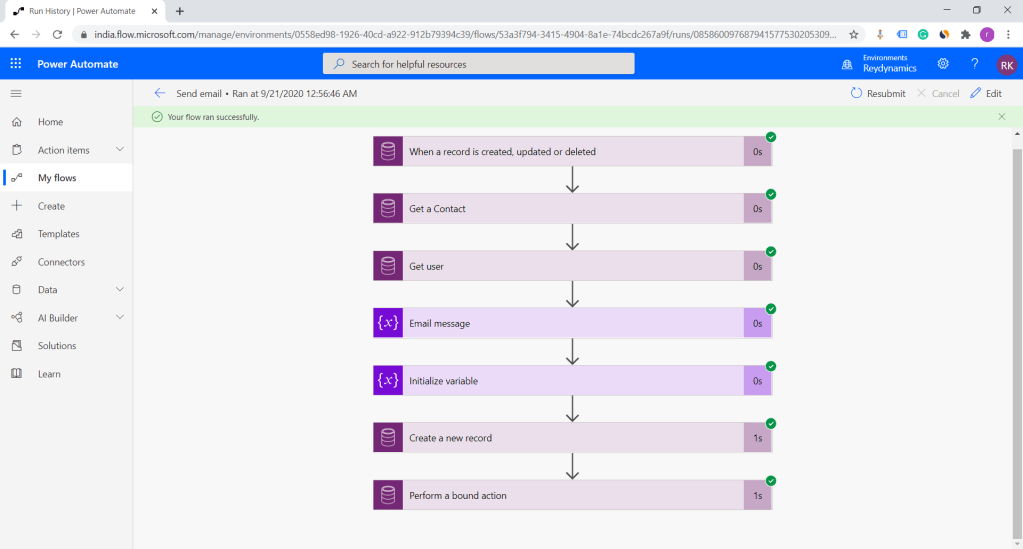
- Next step is to fetch the primary contact related to the account.

- Get Owner record who has created the Account.

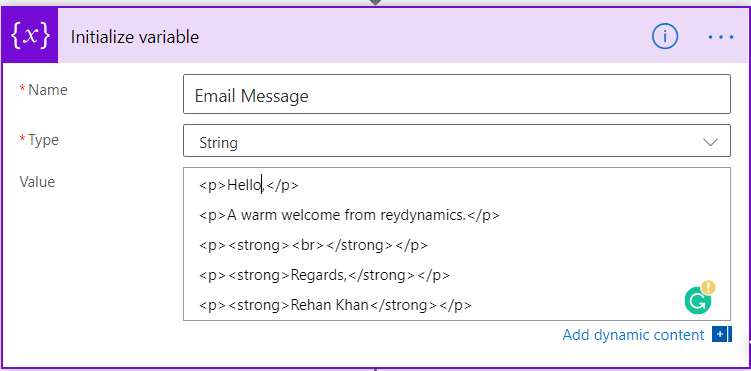
- Next step is to initialize email message and email subject variable in power automate.

- Now as we are ready with data to be used in email message lets create send create an email message using create a new record CDS component.

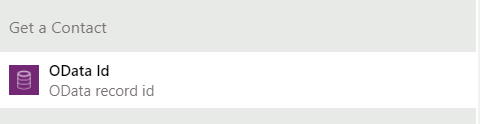
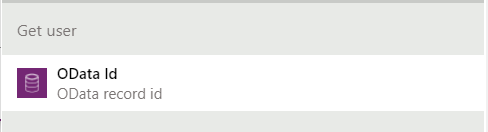
- In the above create component I have selected the field “to” as odataid from Get contact component and “from” party as odataid Get user component.
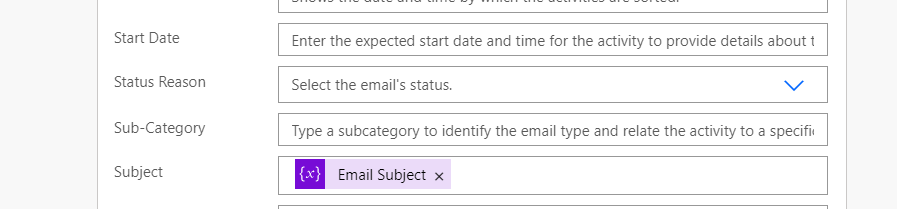
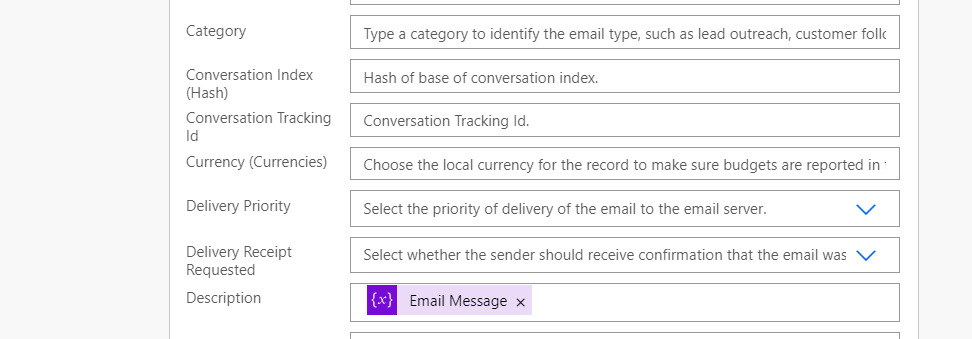
- Click on show advanced option .Set subject and email message which we initialized above in respective variables as seen in below screen shot.
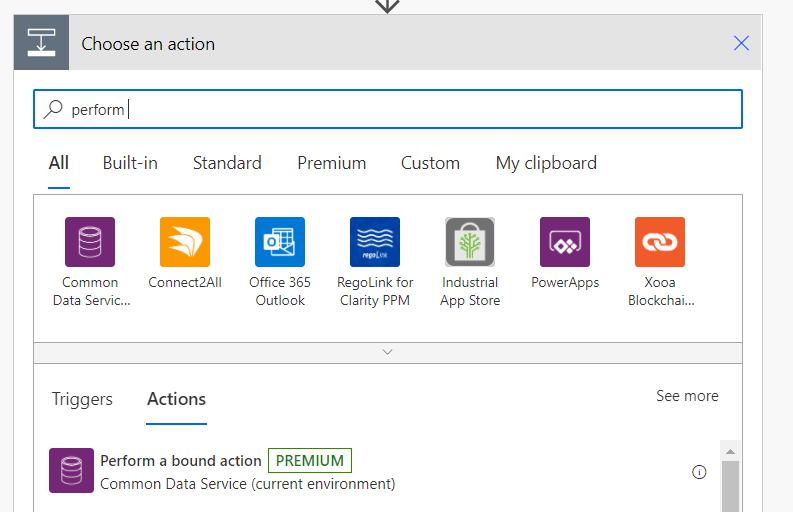
- Add new step and select perform bound action.
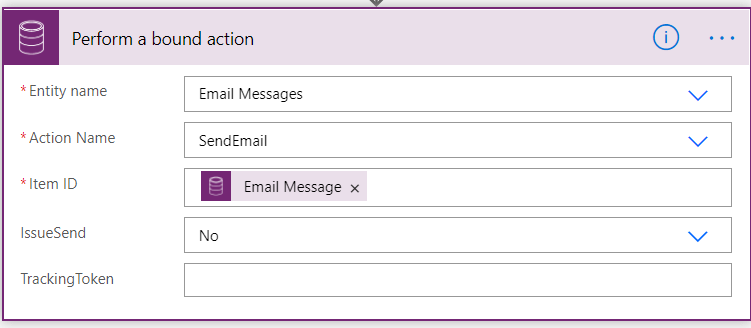
This action has a few parts as follows,
- Entity name – This is the entity that correlates to the same entity of the “create record” action. In that step we created an “Email Message” record.
- Action name – There will be a drop-down list that corresponds to the “Entity name” chosen.Here we are selecting Send Email.
- Item ID – This will be the GUID (unique ID) of the record to send. In this case, it will be the prior action of the “Email Message” record that was created.
- IssueSend – This is a No/Yes option list. If this is set to “no”, the email will not send. It this is set to “Yes” email will be sent. I haven’t configured mailbox hence here i am keeping it no.
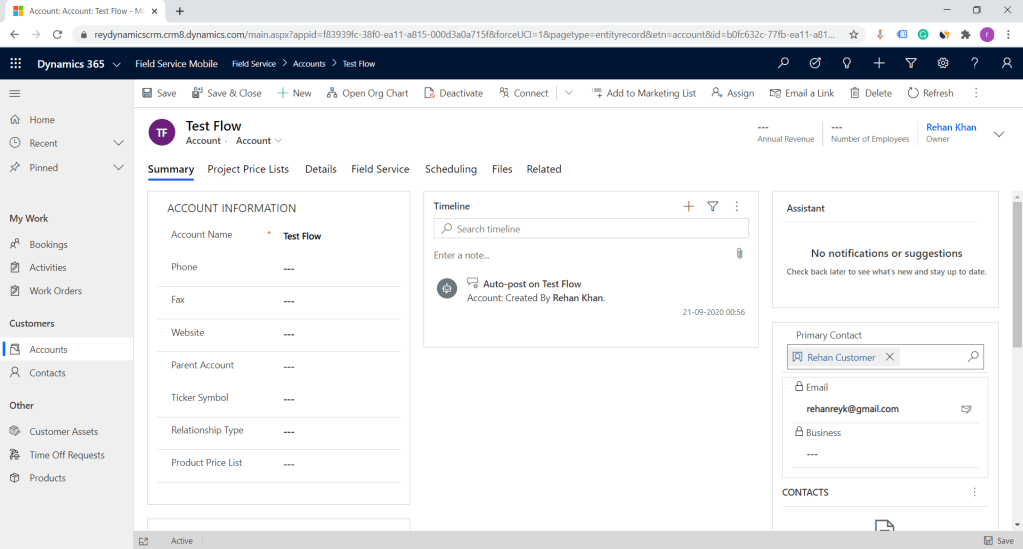
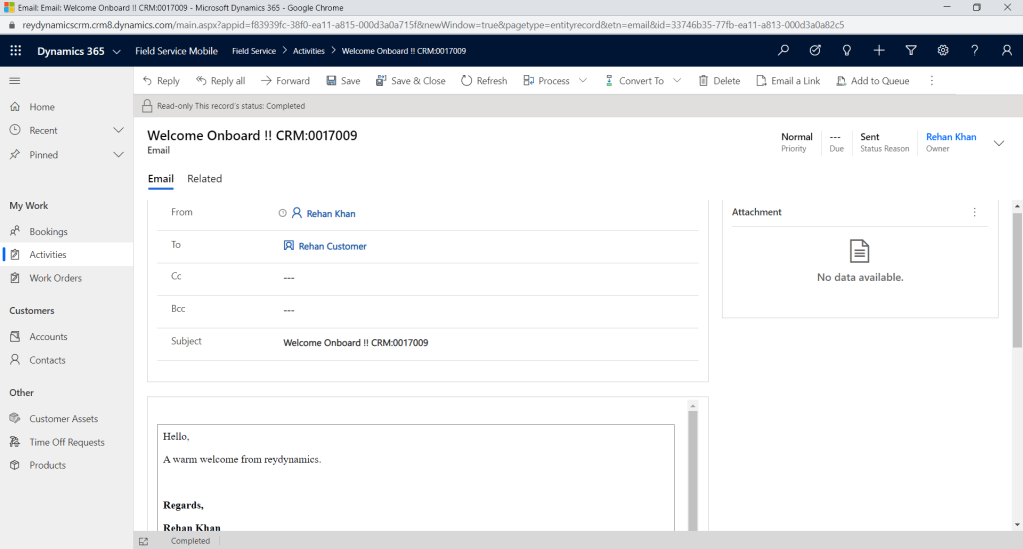
Lets trigger the workflow once and execute the flow.
Hope this helps….. Thanks for reading . Good Luck.
Follow me on my Linked In
 Rey Dynamics CRM Blog
One thought on “How to send Dynamics 365 Emails using Power automate/Flows ?”